

Content
Coaches can create and edit learning content directly from Practice, using the same content management system (CMS) as the Backoffice.
What you can do
Section titled “What you can do”Click Content Management in the Practice sidebar to expand it. It gives you the same tools administrators use in the Backoffice:
- Module Categories — Group modules into top-level categories.
- Modules — Create and organize learning modules.
- Lessons — Build the lessons that live inside a module.
- Lesson Steps — Add the individual exercise, survey, informational, or link steps within a lesson.
- Answer Templates — Reusable answer groups for survey questions.
- Surveys — Build and manage surveys, then link them to lesson steps.
- Availability settings — Control when lessons unlock for users.
- Media — Upload and manage the images, audio, video, and fonts used across your content.
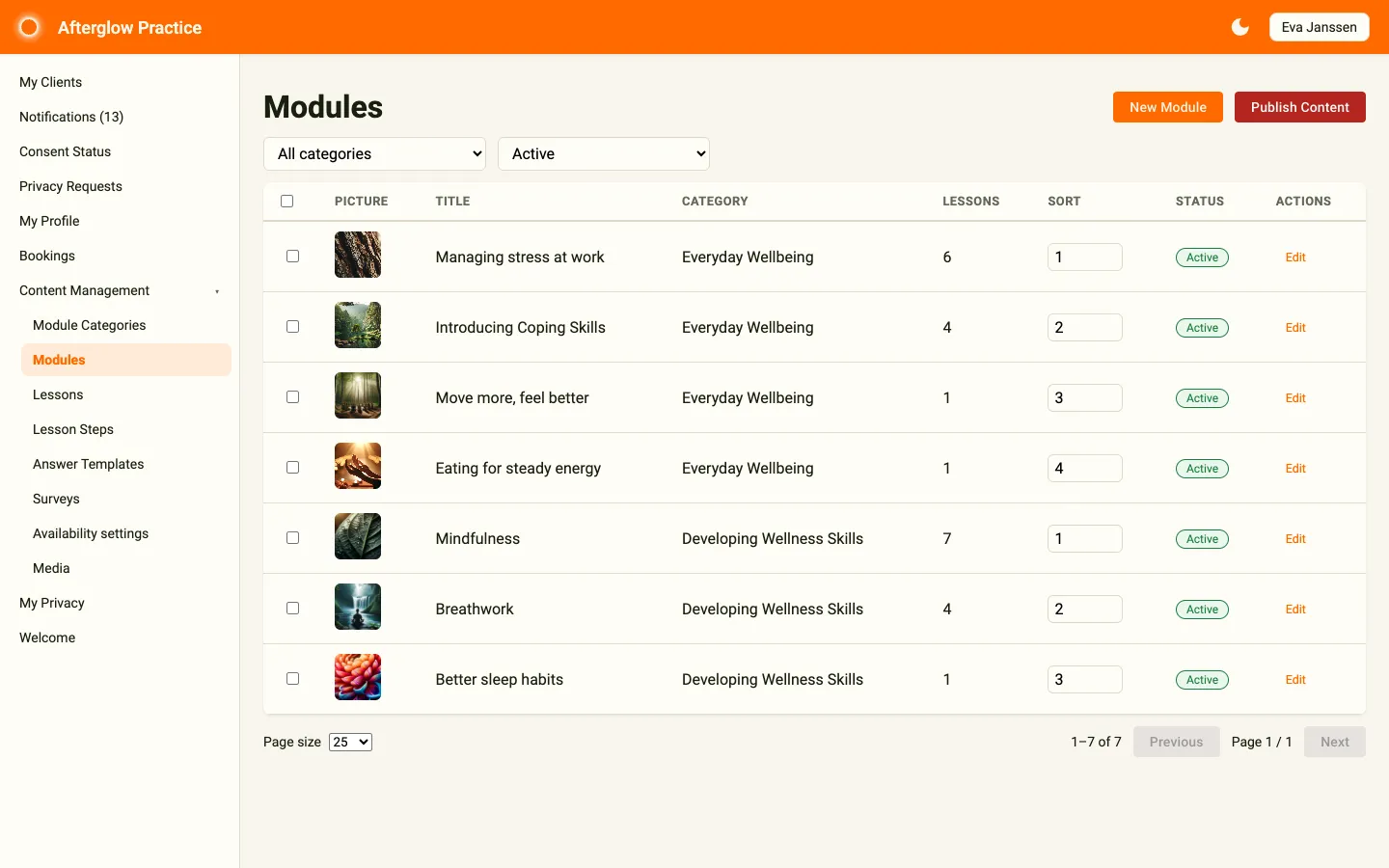
Authoring modules, lessons, and surveys
Section titled “Authoring modules, lessons, and surveys”Authoring works exactly the same way it does in the Backoffice, because it’s the same CMS. Names, titles, and other text fields use multilingual text — the same language tabs you see in the Backoffice.
For step-by-step instructions on creating categories, modules, lessons, and steps, setting up conditional survey questions, and configuring availability settings, see Content Management.
For background on how content fits together, see Content Structure.
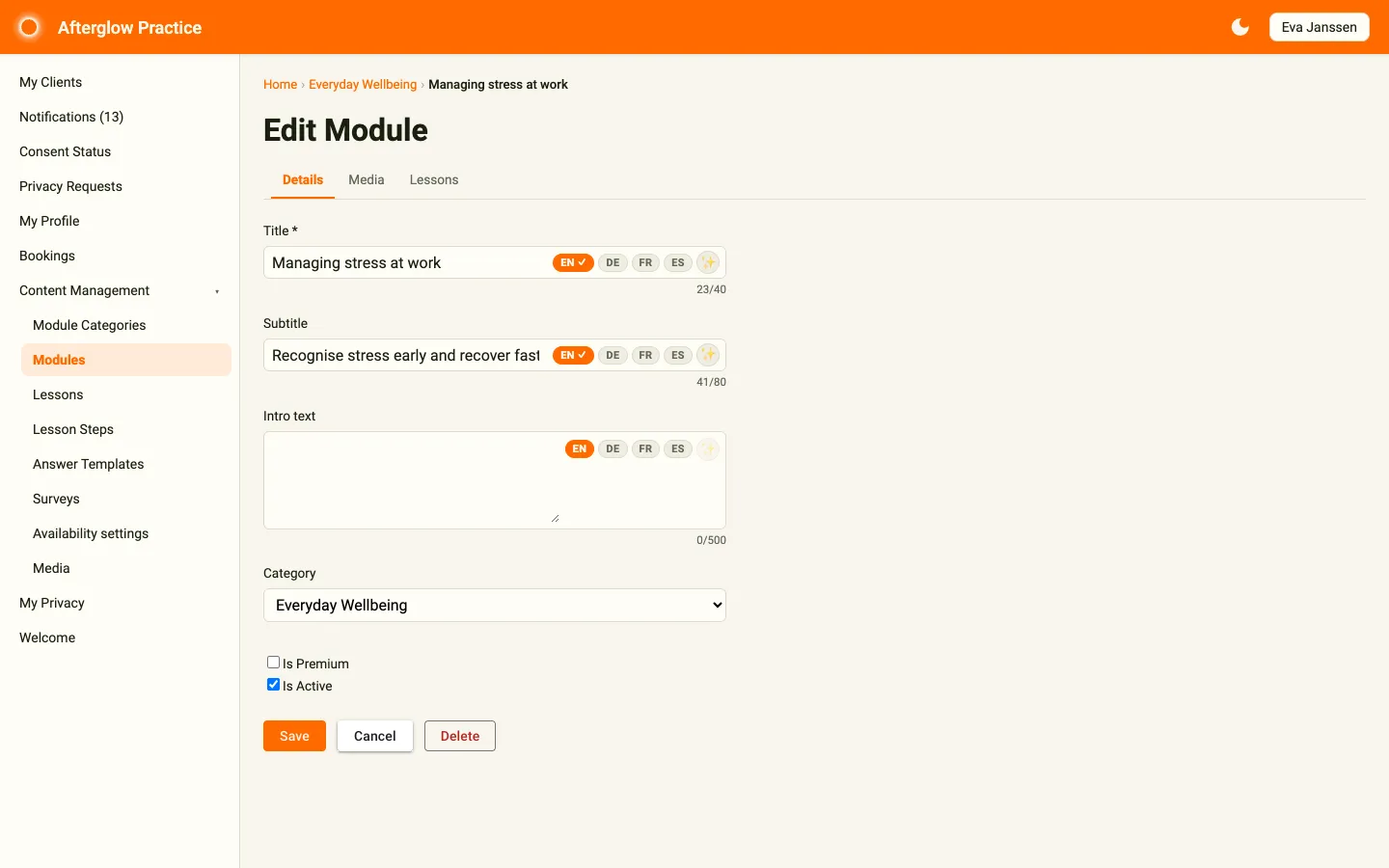
Using the media library
Section titled “Using the media library”The Media page works the same way it does in the Backoffice — it’s the same shared library. Upload images, audio, video, and fonts, then reference them from your modules, lessons, and steps. For full details on uploading, browsing, and managing files, see Media.
Related topics
Section titled “Related topics”- Content Management — Full walkthrough of the CMS, including surveys and conditional questions.
- Media — Uploading, organizing, and managing media files.
- Content Structure — How modules, lessons, and steps fit together.
- Availability Rules — How lessons unlock for users.
- Multilingual text — Language tabs on names, titles, and similar fields.